
Grok Bot for Business, part 2: customer onboarding
Prefer to watch? The full episode is right here. Everything below is the written version, plus the onborading kit.
Someone just signed up. Now what?
Someone just signed up for your product, or bought it. Did they actually get what they came for? Or did they get stuck somewhere along the way and never tell you?
Onboarding is getting a new customer to what they came for (their first win) as fast as you can.
Here's my take. In a world full of noise, the human touch is what makes you different. But if you're a solo founder or a small team, you can't onboard every single customer manually forever. You can still stay in the loop, though. That's where Onbo comes in.
Quick note on how we set these up: every Grok Bot in this series has its own actual Gmail address and access to the tools it needs to get its job done. Analytics, the customer support inbox, the website, whatever the job calls for. We treat each and every Grok Bot as a team member.
Meet Onbo
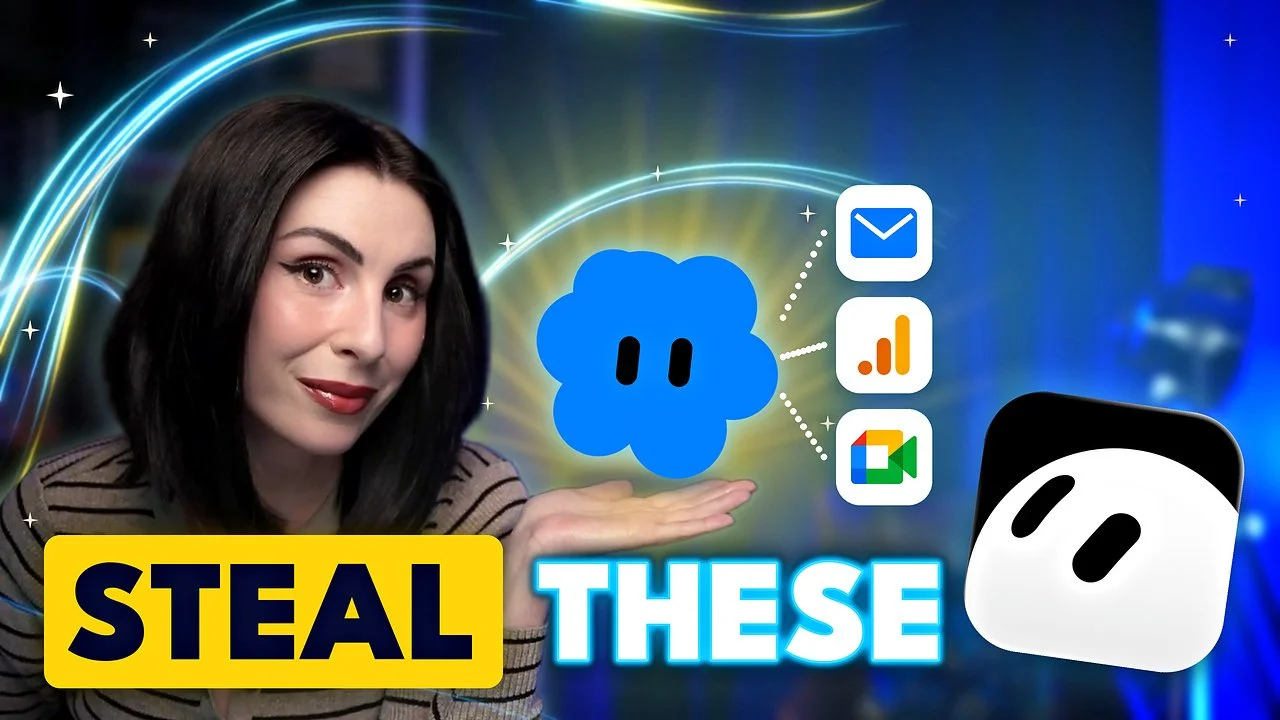
Onbo is the Grok Bot I set up for onboarding.
Onbo watches, flags and logs. I decide, and I talk to customers.
Our Onbo works in four steps:
The morning check: This is a triage that puts customers in 3 buckets - Who signed up, who got what they came for, and who signed up more than 7 days ago but hasn't started.
Stuck customers: Who's most likely to leave, and who to call first and why.
After the call: Every call goes into one list: bugs, requests and confusion. Then a reminder to follow up.
The weekly report: How many new customers got what they came for, and what's tripping people up.
Step 1: The morning check
You can't help someone if you don't know where they're stuck, and you can't expect them to reach out every time either.
So first, decide what "got what they came for" means for your business, and pick one action that shows it. For our Startup Blueprint, it's starting week one. For a dictation app, it's the first dictation. For a payment processor, it might be a business processing its first dollar. One action, and you can check whether it happened.
Then make sure your product logs that action every time someone does it. You set that up once, and Onbo keeps using it. I use Google Tag Manager and Google Analytics for some products, and PostHog for others.
Every morning, Onbo sorts new customers into three groups: who signed up, who got what they came for, and who signed up more than 7 days ago but didn't start. That last group needs your attention most.
Step 2: Stuck customers
Onbo points me to the people most likely to leave, because one email or call can change that. It tells me who to call first and why. It doesn't reach out to anyone.
If someone doesn't want a call, that's fine. They stay on the list, and Onbo reminds me to follow up next week. A bit annoying, I know but it works.
On the call
Ask them to walk you through how they use the product. Watch where they get stuck, without taking over or dropping hints.
Or bring Onbo along. Grok Bots can join Google Meet and Zoom calls now. Give it the meeting link in the chat (or connect your calendar) and it joins. It can't talk, but it can reply in the chat, take notes, and afterward sum up the call, list your action points and set a follow-up reminder. You can also record the call, with your customer's consent, and share the video with your bot through Google Drive.
Step 3: After the call
My notes go to Onbo (doodles included), and it puts everything into one list across all my customers: bugs, requests and confusion. When more than three customers trip over the same thing, that's not a customer problem. That's an onboarding problem.
Then Onbo reminds me to follow up. It doesn't have to be big. "Did that fix work for you?" is often enough.
Step 4: The weekly report
Days get hectic. The weekly report shows the pattern. The number I watch is how many new customers got what they came for. If that drops, onboarding is where I look first. When a fix ships, Onbo tells me who asked for it, and I close the loop myself.
What your onboarding should have
It's a bit different for every product, but this is a good place to start:
A welcome email that says what happens next and what you need from them.
In that email, a short intro video or a link to a Get started guide.
A few steps people can take themselves, so they learn by doing.
A safe way to try it first, like a sample or a practice run (if it fits your product).
A short list of what to use when, with links to your docs or FAQ.
A clear way to get help when they're stuck.
Optional: a walkthrough from you, like a demo or a kickoff call.
One warning: don't hand people a long to-do list. A few bullet points are fine. Ten or more is where you start losing them.
The rules of thumb
Pick one action that shows a customer got what they came for, and log it every time.
Start with the people who signed up more than 7 days ago but haven't started.
Your bot flags. You talk. Onbo never messages customers.
More than three customers stuck on the same thing means it's an onboarding problem.
Keep follow-ups small, and close the loop yourself when a fix ships.
Keep the to-do list short. Ten or more and you lose people.
Even if it's self-serve, still make time for one-on-one calls.
Grab the Customer Onboarding Kit
Everything from the episode in one free kit. Pop in your email and we'll send it straight over.
What's inside:
A one-page onboarding checklist to fill in for your business
Onbo's job description, ready to paste into your own Grok Bot
The prompts for Onbo's routines: the morning check, the weekly report and follow-up reminders
The copy-paste prompts for stuck customers, calls and shipped fixes
Every link from the episode, plus three optional skills
Our Grok Bot template, Onbo, so you can skip the setup
Missed part 1? Start with the product launch.
Next up in the series: customer support. The rules I give my Grok Bot about what it can and can't do, our SOPs, the skills we use, and the works.
Start casual. Keep going. Keep growing.
